DJ visuals that follow your music
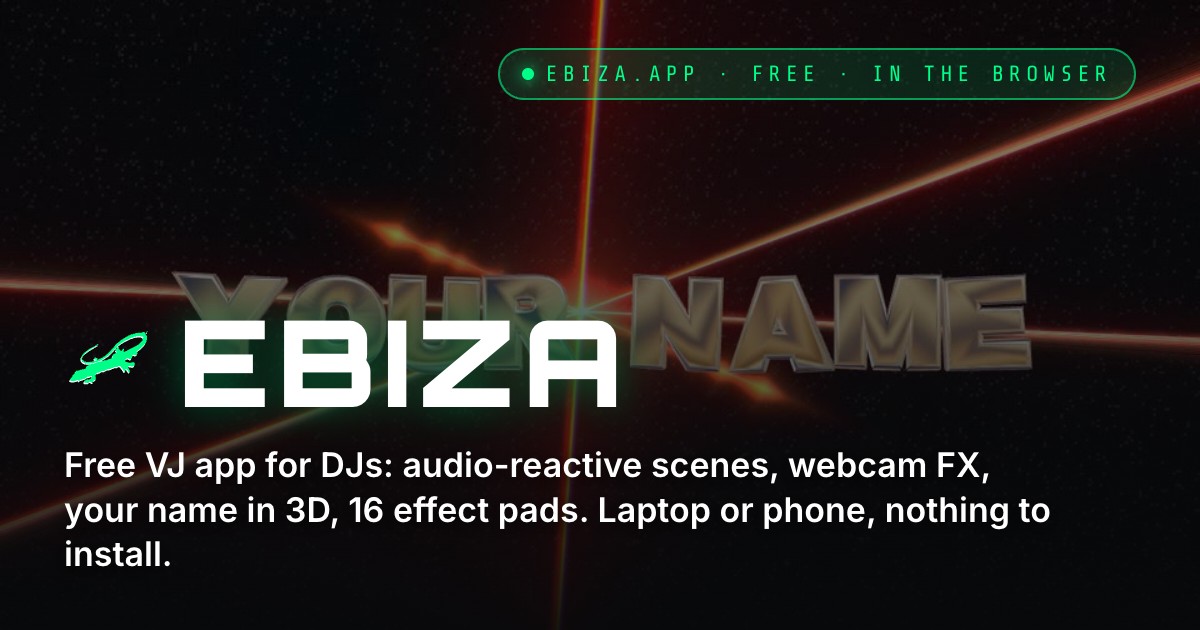
Ebiza turns any laptop or phone into a visuals engine for DJ sets: 40 ready-made scenes, 690 shaders, webcam FX and 16 effect pads, all reacting to the sound in the room. Free, in the browser, nothing to install.
Scenes made for a dance floor
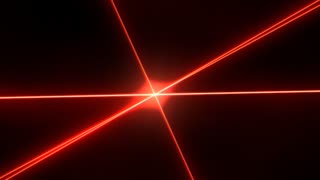
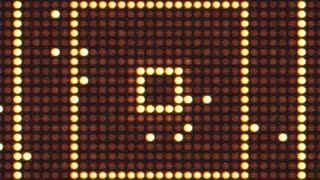
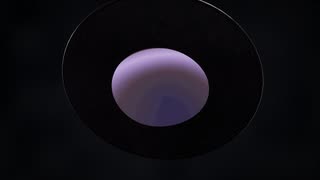
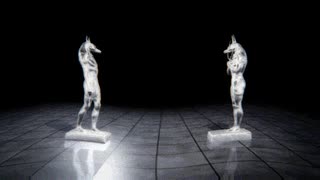
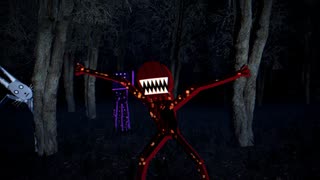
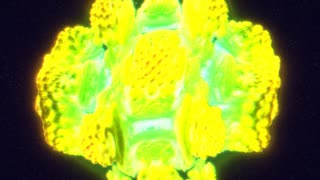
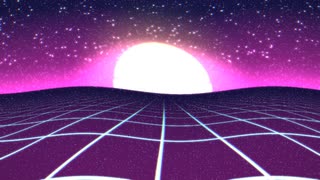
Each scene is a complete visual with its own camera moves, lights and cuts, driven by the kick, the bass and the phrase. Pick the ones that fit your sound: lasers and light walls for techno, chrome and water for house, haunted forests and demons for the dark hours.

How a set works
- Explore and testOpen the app, start the audio from the microphone and try the scenes, shaders and FX on the device you will use at the gig.
- Build the setKeep only what you tested and liked. Save it: the dock then shows your scenes and nothing else.
- Go live and lockEnter live mode, plug the HDMI cable into the club screen, lock the scene so a stray click cannot change anything. Pads and keys stay active.
Plug it into your setup
- Microphone or line-in: the visuals follow the music in the room
- An imported track with a locked BPM grid
- Rekordbox and Ableton through Link or MIDI clock
- 16 effect pads on the keyboard or a MIDI controller
- Second screen or projector over HDMI, fullscreen
- Cast from a phone to the TV and keep the phone as a remote
- Your logo, image or video inside the Custom and Liquid scenes
- Your DJ name in chrome 3D letters
Why not just loop a video playlist?
It reacts to the real drop
A pre-rendered video does not know when your break ends. Ebiza listens to the room: kick flashes, bass-driven camera moves, phrase changes every 4, 8 or 16 bars.
You keep your hands on the mix
Auto-VJ switches scenes on its own. When you want a moment, hit a pad: strobe, glitch, shatter, echo, zoom, on the beat.
Hundreds of looks, zero render time
690 shaders in the library, blendable over any background with the Mixup shader. Nothing to export, nothing to re-encode.
Your face, your name
Webcam FX turn the DJ into collage, liquid, shards or a paper-cut demon. The 3D name display puts your name in chrome letters over the scene.
Questions DJs ask
Is Ebiza really free?
Yes. Ebiza is free to use in your browser, with no account required to play. The shader library credits and licenses stay with their authors.
Do I need a VJ or a second person?
No. Auto-VJ changes scenes and effects on its own, following the energy of the music. You can take over at any time with the pads or the keyboard.
What do I need at the venue?
A laptop with Chrome, Safari or Edge, an HDMI cable to the screen or projector, and the microphone of the laptop or a line-in from the mixer. A phone cast to a TV also works for small rooms.
Ebiza or Ibiza?
Ebiza, spelled E-B-I-Z-A, is the name of the app. It is not related to the island. If a search engine corrects it to Ibiza, type ebiza.app directly in the address bar.
Keep reading
Try it with tonight's playlist
Open the app, start the audio, pick a scene. If you like it, build a set and lock it before the gig.
Open Ebiza