Audio-reactive VJ engine · free · in the browser

EBIZA

Plug your laptop or your phone into any screen and let the sound drive the image. Hundreds of shaders, sixty effects, MIDI pads, Ableton Link. Nothing to install.

First time here?
1 Enter the app2 Allow the camera & the mic when asked (nothing leaves your device)3 Pick a scene in the dock · press ? for the shortcuts
See it live
691shaders in the library
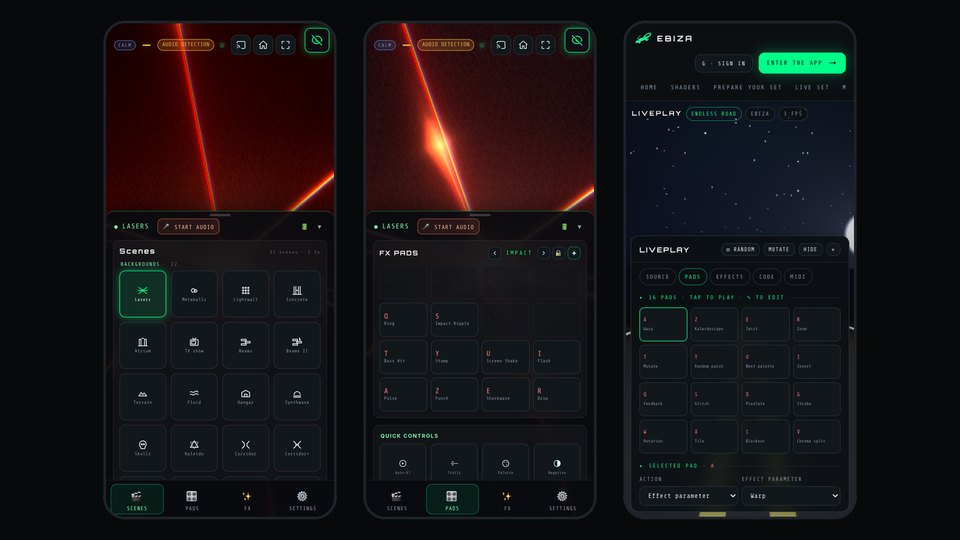
60effects on 16 pads
0install, runs in the browser
P2Pphone to TV, no latency
Quick guide

Three steps, then the stage

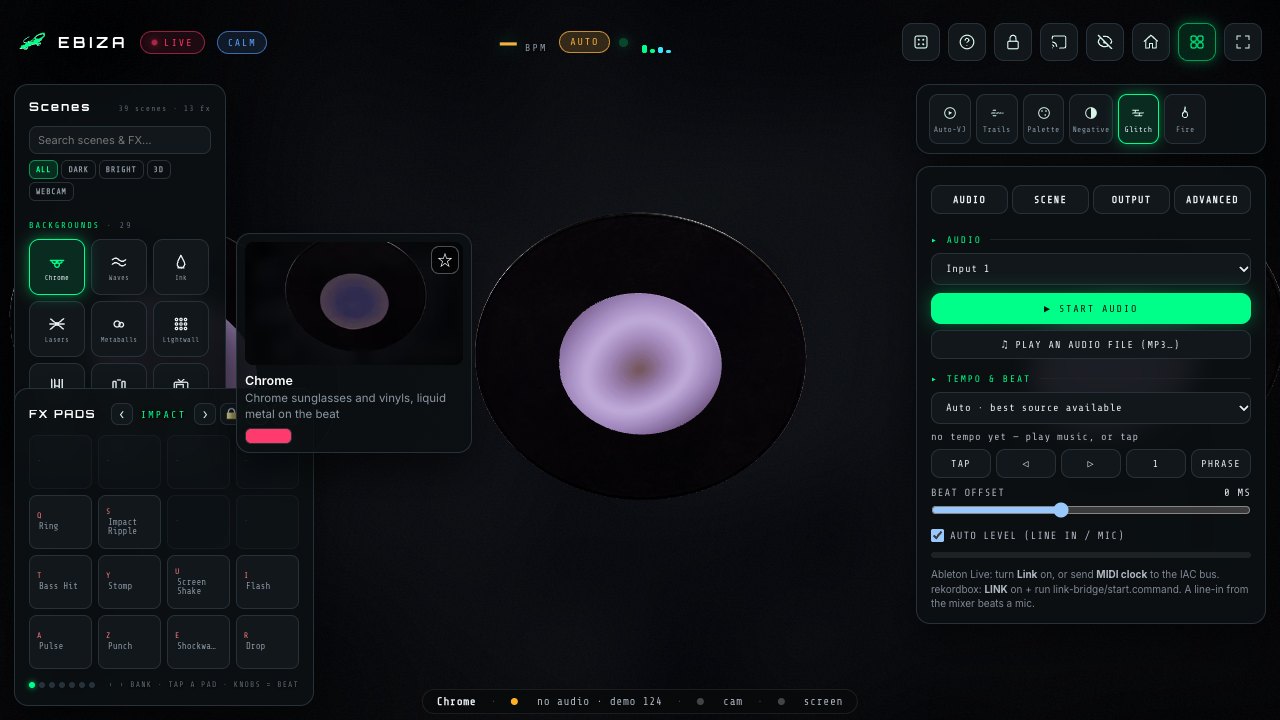
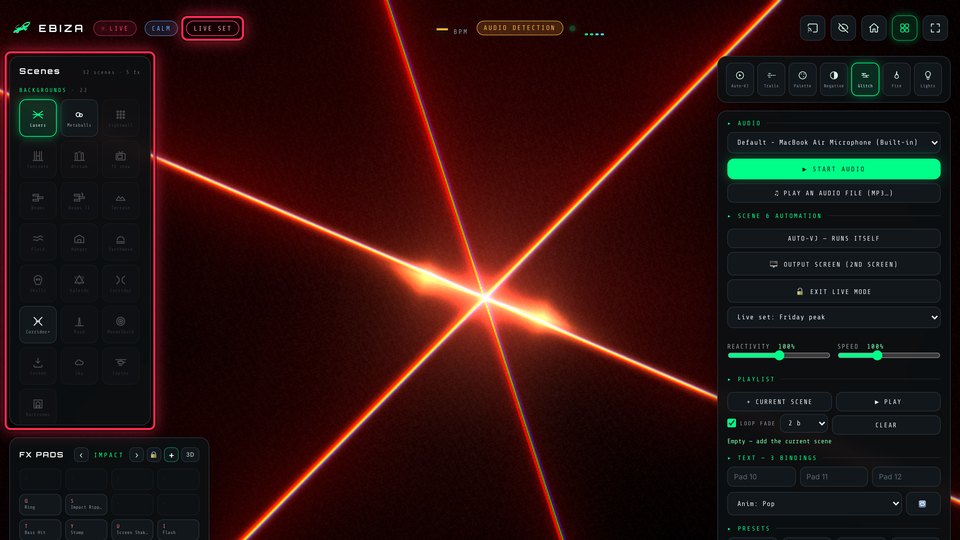
The dock of scenes in the app
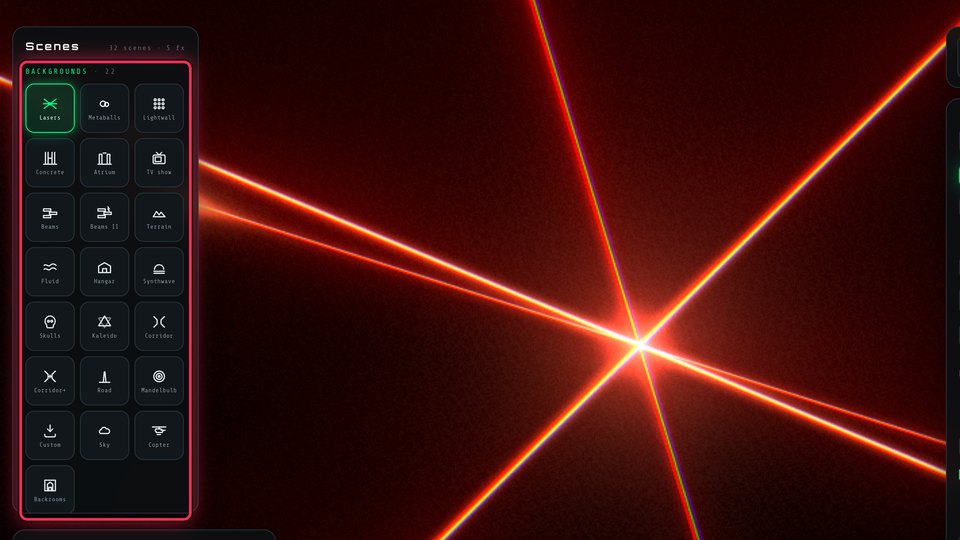
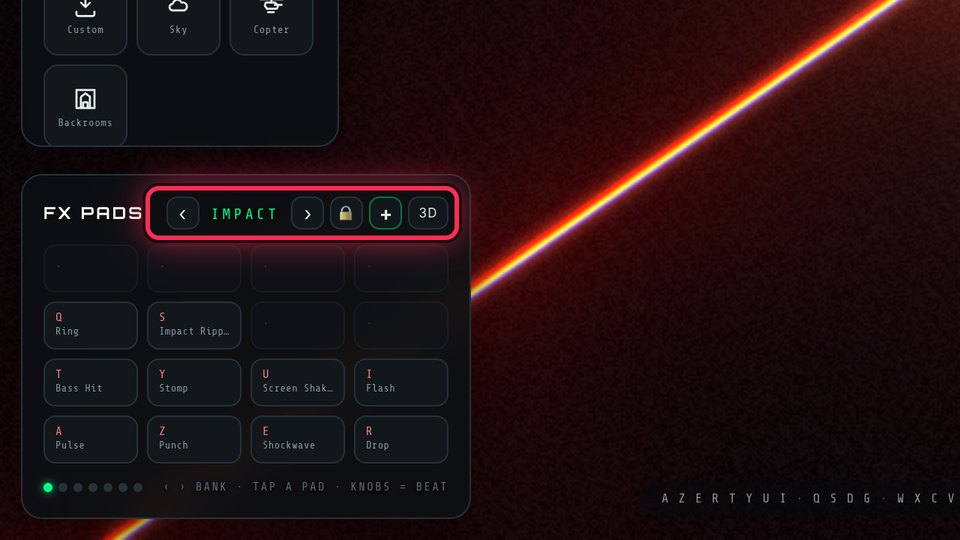
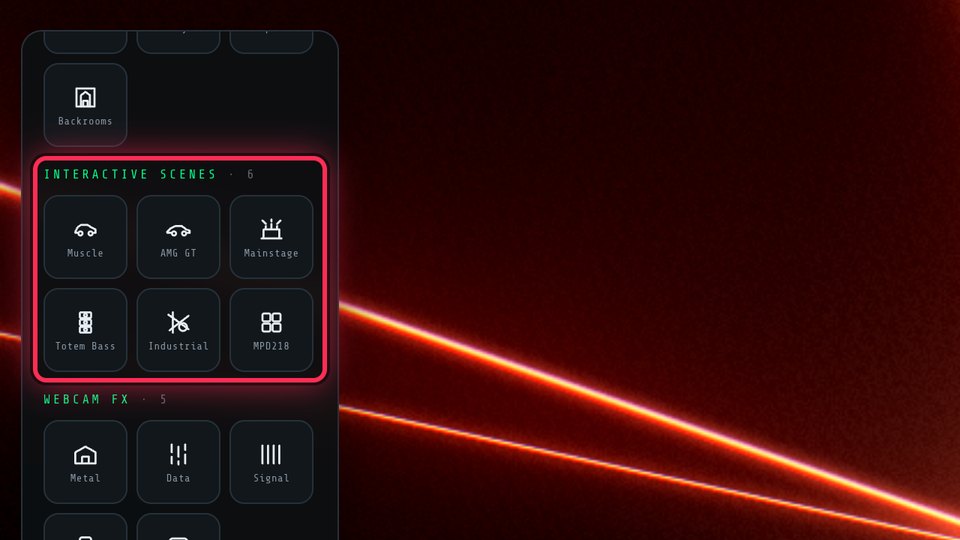
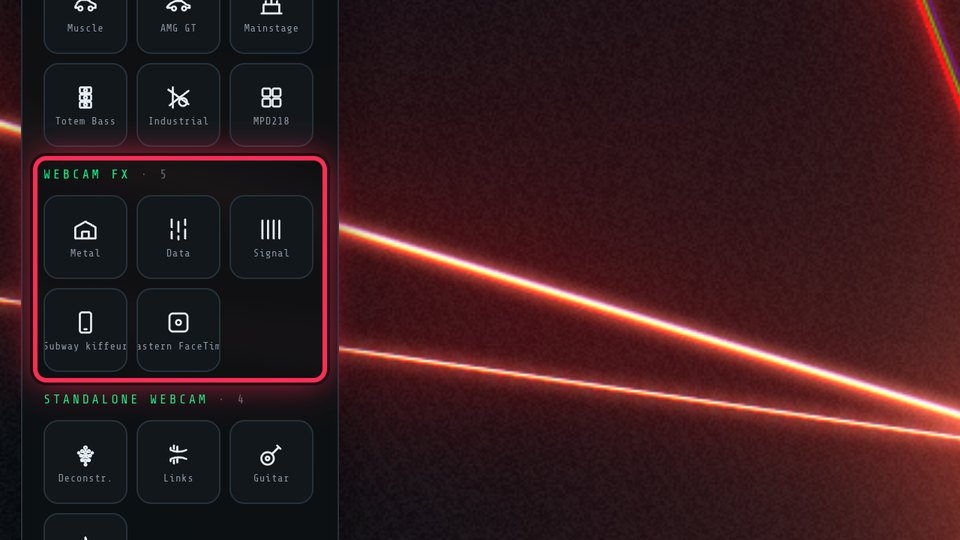
1 · ExplorePick a scene, add a webcam FX, hit the padsThe dock on the left lists 40 scenes, 13 webcam FX and the shaders you add from the library. Hover a tile for a live preview, star your favourites, search by name. The 16 pads (A Z E R T Y U I / Q S D G / W X C V) fire the effects.
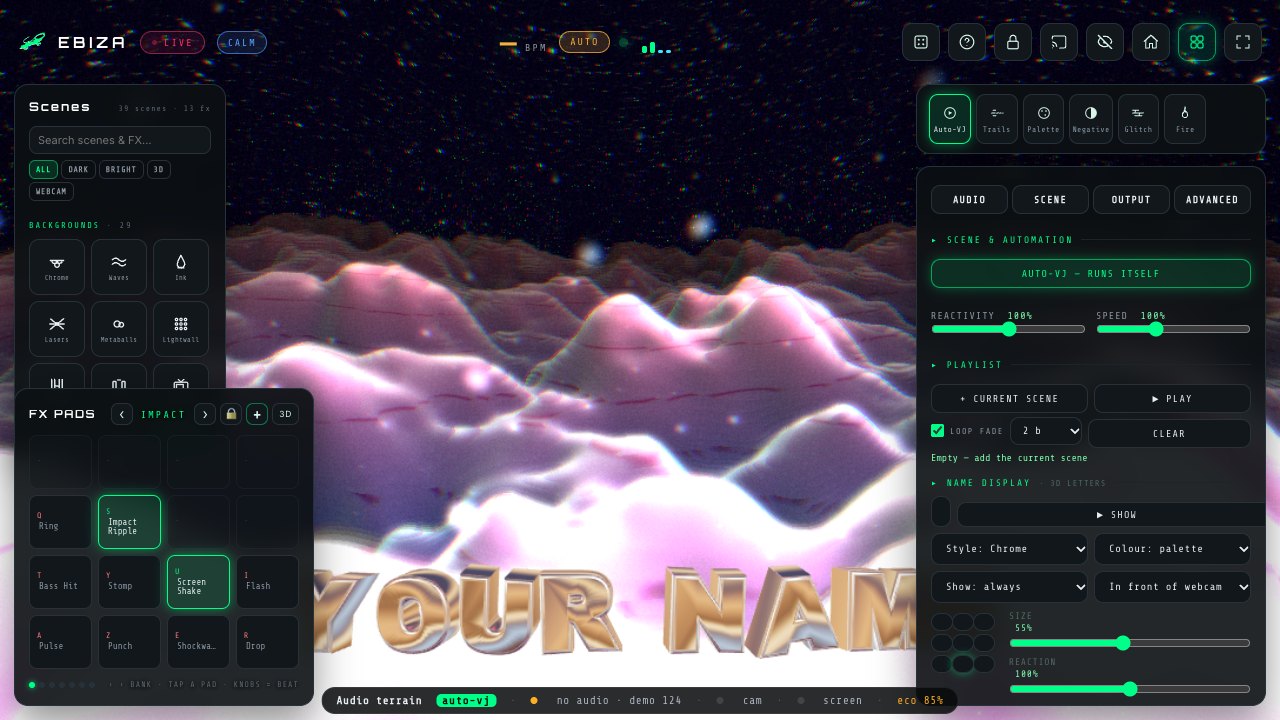
Auto-VJ running on the Waves scene
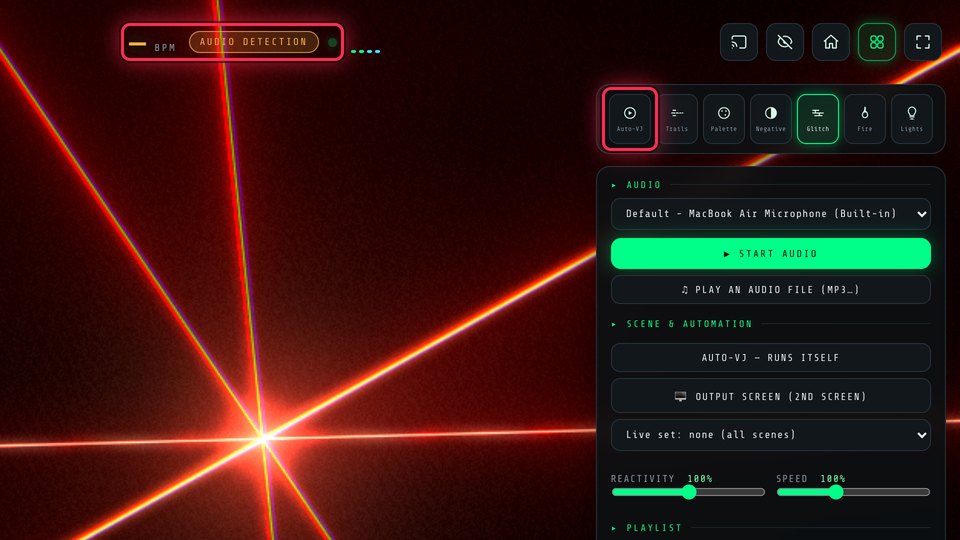
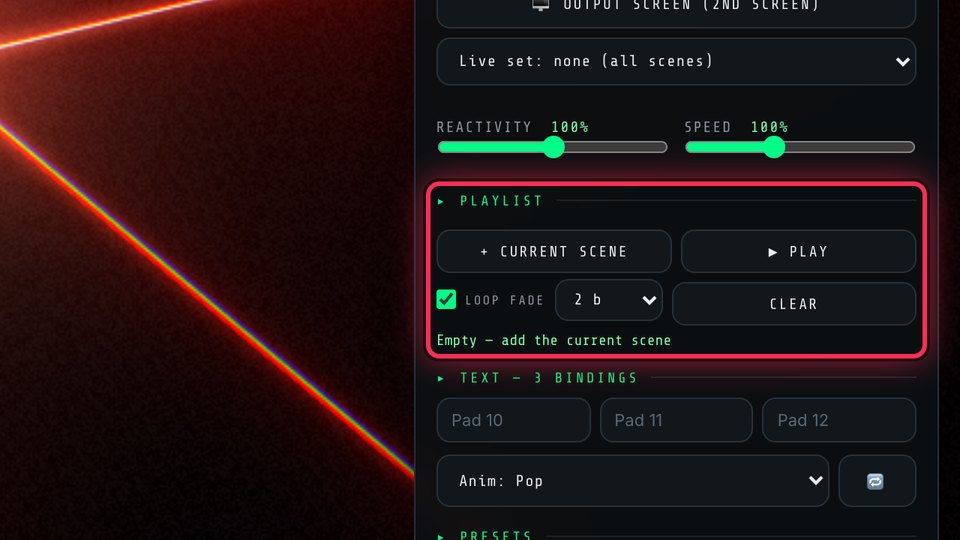
2 · Let it playStart the audio, switch Auto-VJ on🎤 Start audio follows your music (mic or line-in), Auto-VJ chains scenes and effects on the musical phrases, and your DJ name can show up every few bars in 3D letters.
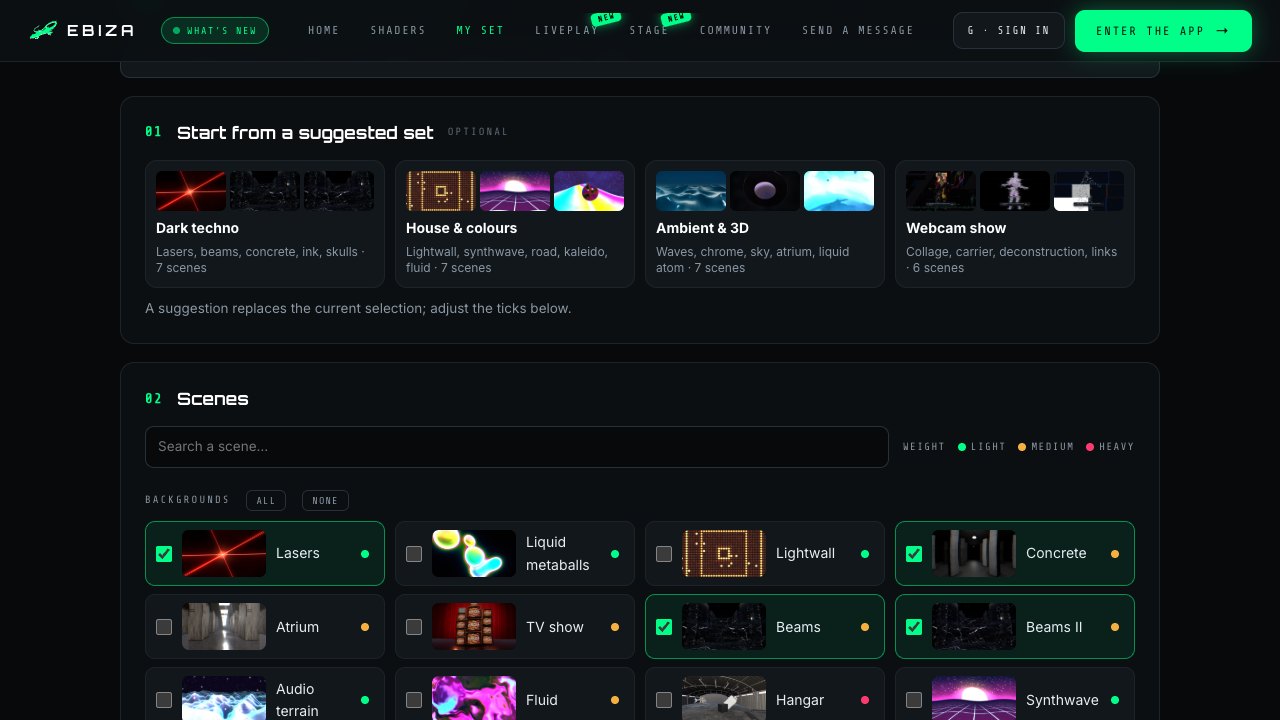
The My set page
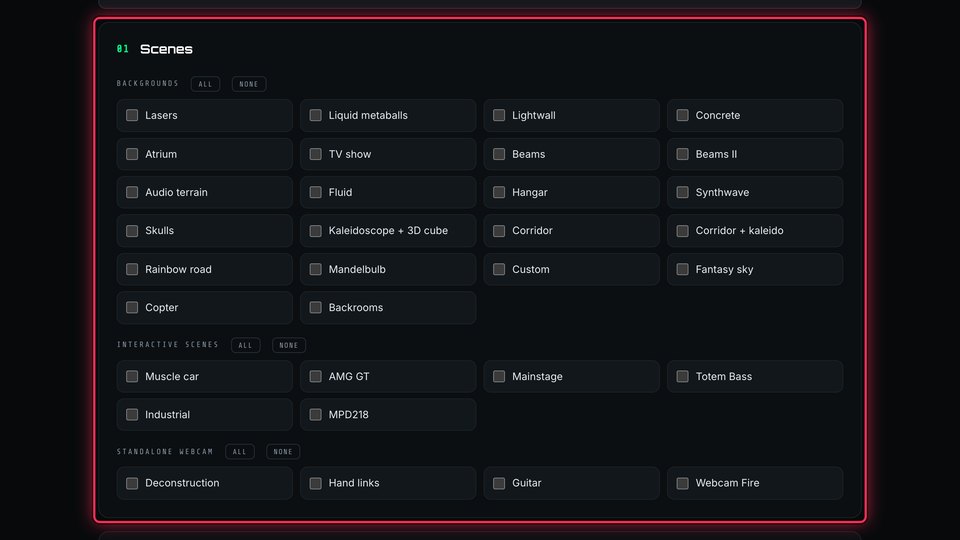
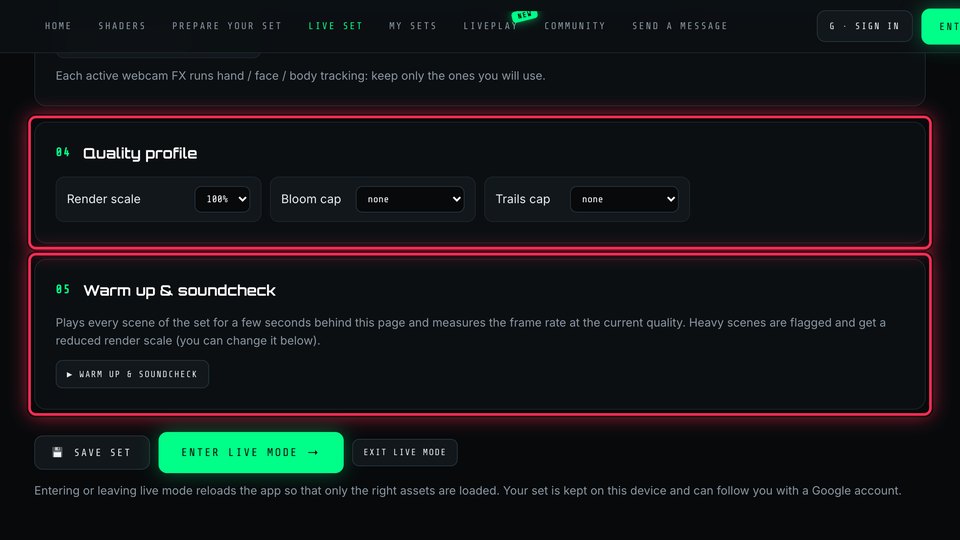
3 · Prepare your setChoose, soundcheck, go liveOn My set: tick the scenes you liked or start from a suggested set, run the soundcheck on this device, save, enter live mode. Then plug the laptop or the phone into the screen.
Does it work for me?

Almost certainly

🌐Any recent browserChrome, Edge, Brave, Safari or Firefox from the last two years. WebGL is all it needs.
💻Laptop for the screen, phone as a remoteA laptop or a desktop drives the projector or the TV. A phone works on its own too, and can remote-control the big screen.
🎤Camera and mic are optionalWithout a mic the app runs on a demo beat. The camera is only asked for when you pick a webcam FX, and the video never leaves your device.
⬇Nothing to install, no accountEverything you make is saved in this browser. A Google account only lets your presets and sets follow you to another device.
🎚Works with your gearUSB MIDI pads plug and play. Ableton Link and MIDI clock lock the tempo. A line-in from the mixer beats a mic.
🔒Private by defaultAudio and video are analysed on your device only. Sharing a loop or a preset with the Community is always your choice. Privacy.
Does it need a powerful computer?

No. Every scene has a weight badge (light, medium, heavy) on the My set page, and the soundcheck measures the real frame rate on your device and lowers the quality of heavy scenes by itself. On a modest laptop, keep two or three heavy scenes at most.

How do I get the visuals on the big screen?

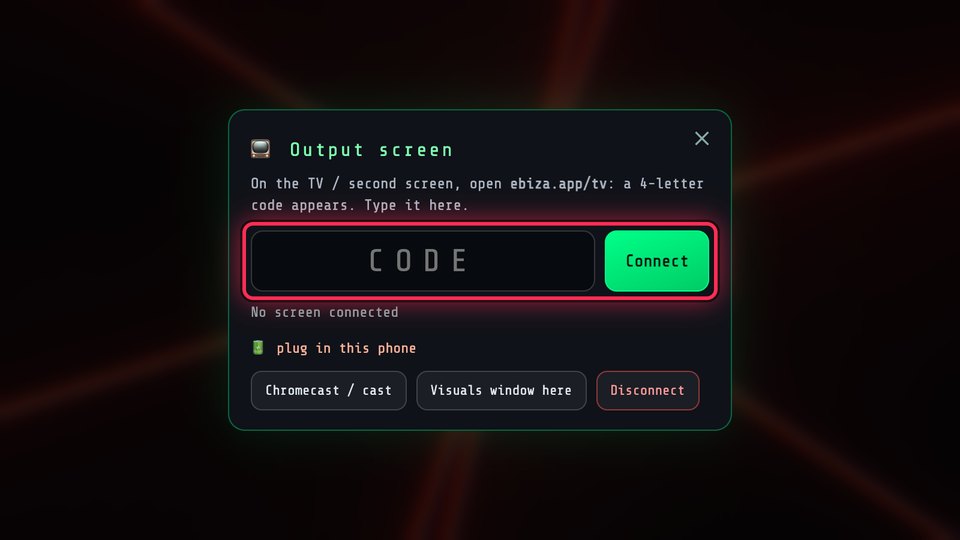
On a laptop, drag the browser window to the projector and press F for full screen, or use 🖥 Output screen in the settings. With a phone, open ebiza.app/tv on the TV and type the code shown: the TV renders by itself, with no latency.

Can I use my own images, videos and shaders?

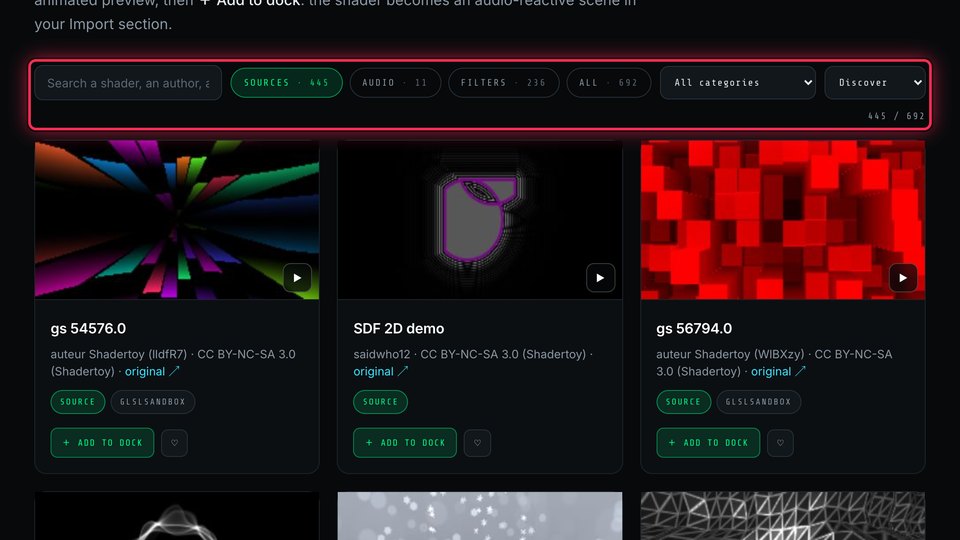
Yes. The Custom and Liquid scenes take your pictures, videos and GIFs, My video plays a clip inside your silhouette, the Shaders page adds hundreds of ready-made visuals to your dock, and you can import your own GLSL or Shadertoy code.

Is it really free?

Yes. No ads, no account wall. The shader library credits every author and keeps every licence.

Ready when you are.Open the app on the laptop or the phone that feeds your screen. Your presets, live set and shaders follow you with a Google account.
EBIZA
LIVE GROOVE
—BPM
—MANUAL
A Z E R T Y U I · Q S D G · W X C V pads    ‹ › palette    N text loop    H hide UI    ⎵ next scene
It becomes the background of this scene — every effect applies on top.
The image is forgotten as soon as you change scene.