Audio-reactive visuals, four ways to feed the sound
Every scene, shader and effect in Ebiza is driven by the music: kick flashes, bass-driven camera moves, hi-hat details and phrase changes on the bar. Feed it the sound from a microphone, an imported track, Rekordbox or Ableton, and it follows.
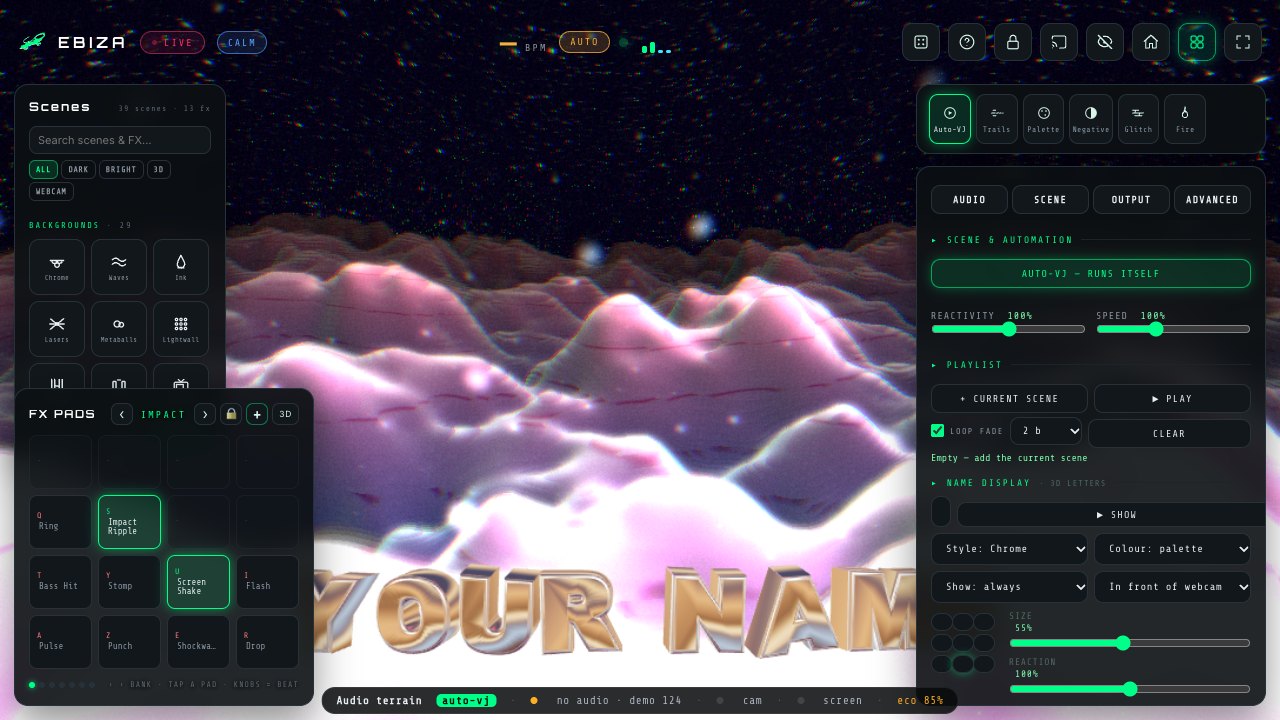
Four ways to feed the sound
Microphone or line-in
The simplest setup: the laptop microphone or a line-in from the mixer. Beat detection, bass, mid, high and energy meters, and a phase detector that tells calm from build, drop and groove.
An imported track
Load a file and the BPM grid locks to it, with the bars on the real downbeats. Ideal for a rehearsal or a recorded mix.
Rekordbox and Ableton
Ableton Link or MIDI clock give the exact tempo, so scene changes land on the phrase every 4, 8 or 16 bars.
Pads and keyboard
16 effect pads add what the analysis cannot guess: a strobe on the last bar of the break, a shatter on the drop, a slow zoom on a long intro.
What actually reacts
- Kick and snare flashes, only on lit areas so blacks stay black
- Bass-driven camera moves, zooms and shakes
- Hi-hat and high-frequency details in particles and grain
- Phrase changes every 4, 8, 16 or 32 bars
- Scene changes by Auto-VJ when the energy shifts
- Lights, lasers and beams in sync with the tempo
- Shader parameters blended over the background with Mixup
- Webcam FX that snap on every beat
Scenes that live on the beat
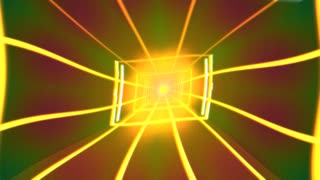
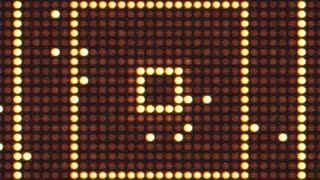
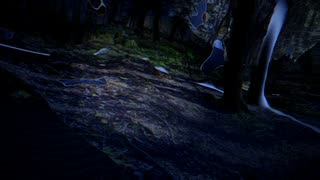
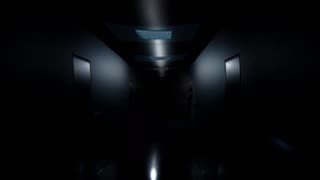
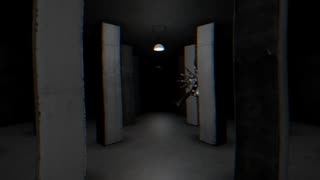
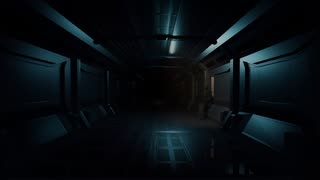
Some scenes are built around the tempo: skulls that pulse on the BPM, a corridor that cuts every 16 beats, lasers and light walls that chase the kick. Others breathe with the energy: a haunted forest that collapses into black holes on the drop, a hallway whose lights travel with the bass.


Private by design
The audio analysis runs on your device. Nothing is uploaded and nothing is recorded: the microphone feeds the visuals and that is all. The same goes for the webcam FX, the video stays on the machine.
Questions DJs ask
Is there a delay between the sound and the visuals?
The analysis runs locally in the browser, so the flashes land on the beat you hear in the room. With Ableton Link or MIDI clock the phrase changes are exact to the bar.
Can it follow a DJ mix without any cable?
Yes. The microphone alone is enough for most rooms. A line-in from the mixer is cleaner when the crowd is loud.
Does it work with Rekordbox and Serato?
Any software that sends MIDI clock or Ableton Link can set the tempo. Otherwise, the microphone or line-in follows whatever is playing, whichever software you use.
Keep reading
Try it with tonight's playlist
Open the app, start the audio, pick a scene. If you like it, build a set and lock it before the gig.
Open Ebiza